
When evaluating Seedance 2.0 vs Google Veo 3.1, it’s important to consider the impressiveness of both. In 2025, “impressive” meant photorealistic pixels. In 2026, it means getting the shot you actually intended, on the first try, inside a real production deadline.
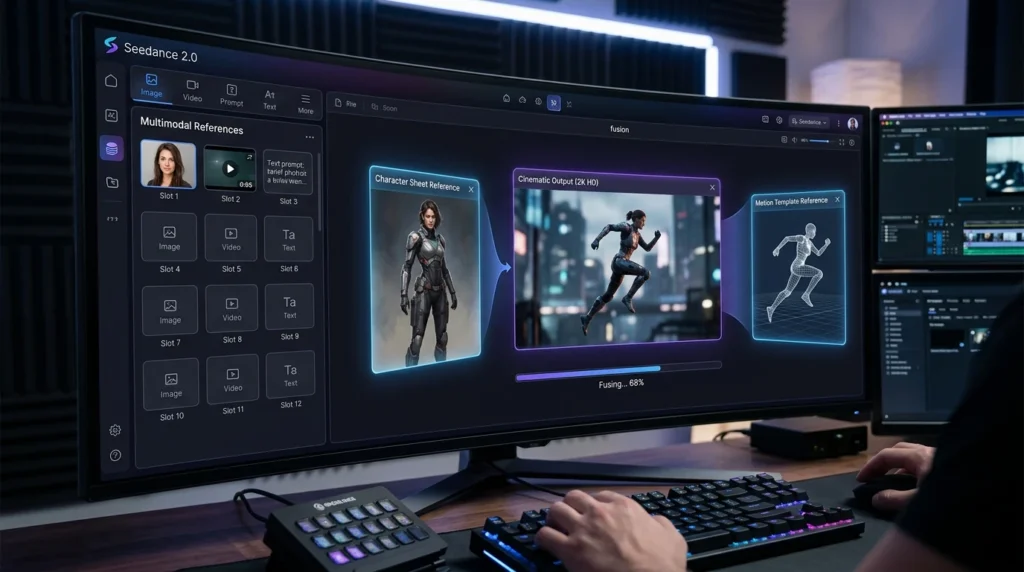
Table of Contents
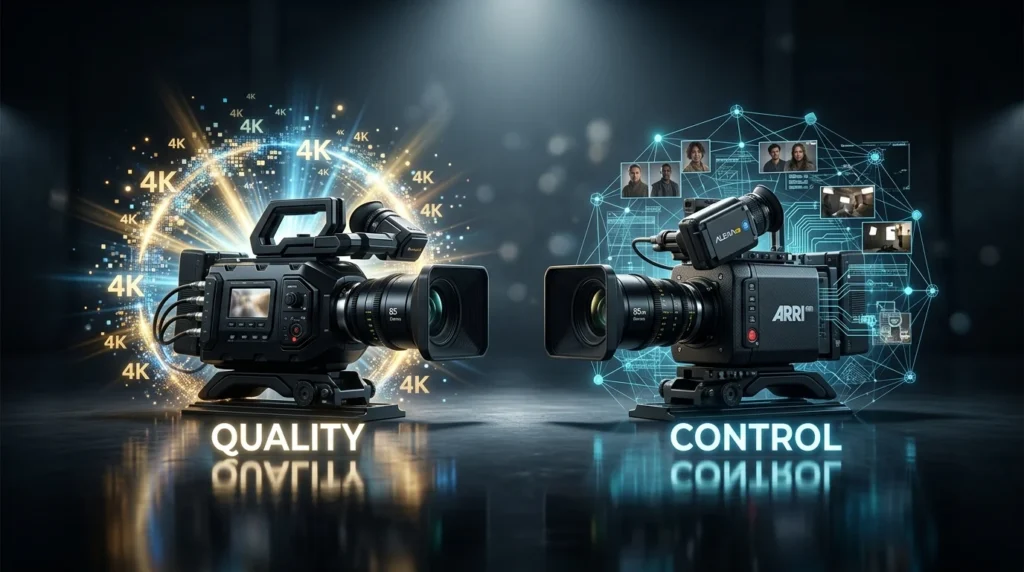
High resolution is now standard for top AI models. It does not distinguish professional tools from toys anymore. The real competition is about control and workflow. This includes camera angles and visual consistency. Users now need to direct scenes instead of just writing prompts.
“Google hasn’t just tweaked the algorithm, they’ve introduced workflow-centric features that aim to bridge the gap between prompt engineering and actual directing.” — VFX Professional Review, Genmi.ai
That shift makes the Seedance 2.0 vs Google Veo 3.1 debate the defining rivalry of the professional pipeline right now. One model focuses on precise control. The other model offers a cinematic look. The right choice depends on your project. This guide explains the differences between these two approaches.
Seedance 2.0 and Veo 3.1: Two Paths to the Same Future
The 2026 AI video race focuses on control and consistency through two main models. ByteDance’s Seedance 2.0 uses Sensenova 5.0 infrastructure to create long and coherent sequences for creators.
Google DeepMind’s Veo 3.1 offers a cinematic experience with native audio and high prompt fidelity. Seedance solves the problem of manual clip stitching while Veo emphasizes visual atmosphere. Both models show how video research has matured into practical tools.
When comparing these tools at a glance, according to Fal.ai, Seedance 2.0 generates up to 15 seconds of video in a single pass, versus Veo 3.1’s 8-second base clips.
| Feature | Seedance 2.0 | Veo 3.1 |
|---|---|---|
| Max Duration | 15 seconds | 8 seconds |
| Resolution | Up to 4K | Up to 4K |
| Native Audio | No | Yes |
| Reference Inputs | Up to 12 files | Limited |
| Benchmark Foundation | Sensenova 5.0 | DeepMind proprietary |
Longer isn’t just more convenient, it’s a different creative paradigm entirely.
Seedance 2.0’s Quad-Modal Reference and 15-Second Shots
Seedance 2.0 uses a technical design that turns abstract ideas into practical tools. ByteDance built this system for creators who need precise and repeatable control. Three main features provide this advantage for users.
The Quad-Modal Reference System
The most significant differentiator is what ByteDance calls quad-modal input. According to ByteDance’s official release notes, Seedance 2.0 accepts up to 12 simultaneous reference files (9 images, 3 video clips, and 3 audio clips).
In practice, this means a director can supply a character reference, a location still, a lighting mood board, and a motion reference clip all at once, rather than iterating through separate prompts.
- 9 image inputs: characters, environments, props, color palettes
- 3 video clips: motion style, camera movement, pacing references
- 3 audio clips: ambient tone, dialogue cadence, sound design anchors
15-Second Single-Generation Duration
Duration is where consistency either holds or breaks down entirely. Competing approaches typically cap single generations at 4–8 seconds, forcing creators to manually stitch clips and inevitably introduce visual drift between segments. Seedance 2.0’s 15-second single-shot generation dramatically reduces that concatenation overhead, preserving character appearance and lighting continuity across a longer, uninterrupted sequence.
- Fewer cuts means fewer opportunities for character features to shift
- Longer shots support natural dialogue pacing without mid-clip transitions
Character Anchoring and Spatial Awareness
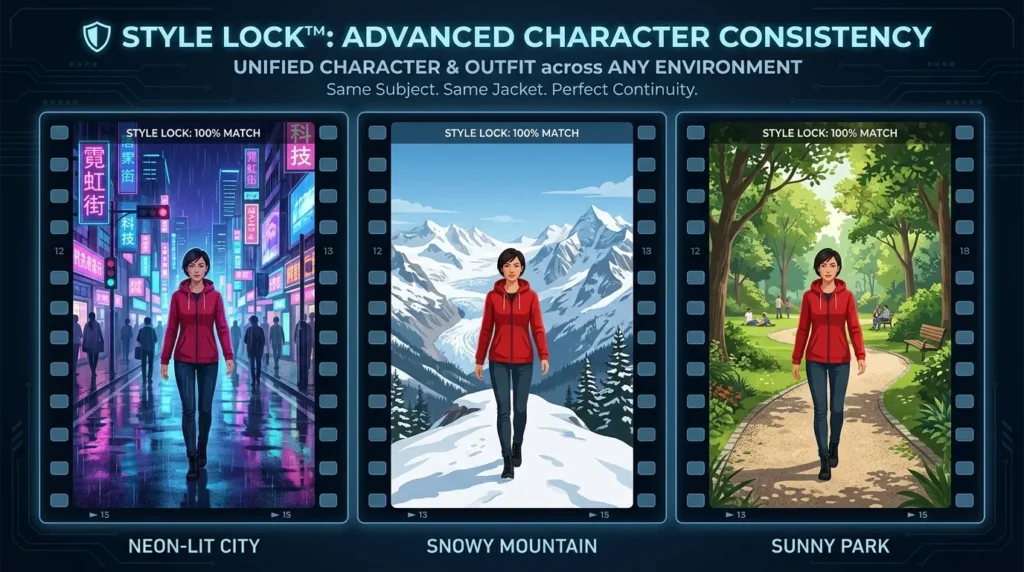
Seedance 2.0 draws on the underlying logic of the Seedance 3.0 foundation model, which incorporates enhanced spatial reasoning inherited from SenseNova 5.0’s architecture. This translates to noticeably better object permanence — characters maintain consistent face geometry across camera angles, and foreground-background relationships stay spatially coherent throughout motion.
- Multi-reference character locking across shots
- Improved depth consistency during camera movements
- Style anchoring that survives prompt variation
The trade-off worth acknowledging: this level of configurability demands more preparation upfront. For creators who want polished output with minimal setup, that equation looks very different — which is exactly where Veo 3.1’s native 4K pipeline enters the conversation.
Google Veo 3.1: Native 4K, Sync Audio, and the ‘Hollywood’ Workflow
If Seedance 2.0 earns its reputation through precision and control, Veo 3.1 earns its through sheer presentational confidence. Where Seedance hands creators the tools to construct a scene methodically, Veo is engineered to deliver cinematic polish almost immediately — with fewer inputs and a more cinematic output by default.
Native 4K as the Baseline, Not the Ceiling
Veo 3.1’s native 3840×2160 resolution output positions it as the industry’s clearest benchmark for production-ready quality. While competing models typically cap at 1080p or upscale algorithmically, Veo renders at true 4K — a distinction that matters enormously for broadcast, commercial, and premium content delivery. Compared to Sensenova 5.0 benchmarks that track visual fidelity across model generations, Veo 3.1 consistently demonstrates sharper texture detail and more stable highlights in high-contrast scenes.
The Single-Pipeline Audio Advantage
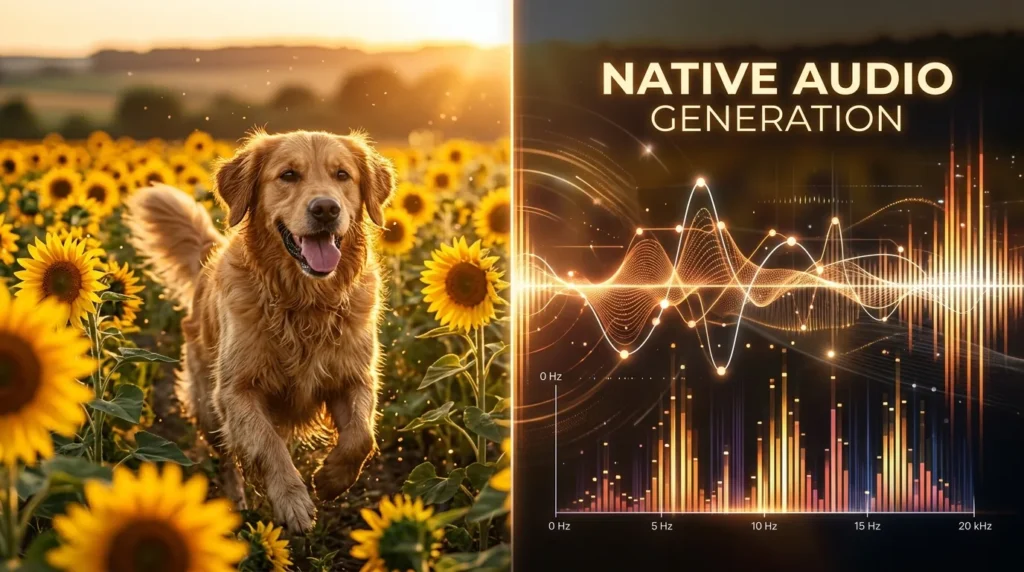
What genuinely separates Veo 3.1 from most other models is its approach to sound. According to Synapsefeed, Veo 3.1 generates dialogue, sound effects, and ambient noise in a single pipeline, ensuring lip-sync is baked directly into the output. There’s no post-production audio alignment step, no separate dubbing layer.
“Synchronized audio isn’t a feature Veo added — it’s how Veo was built. That architectural difference changes what’s possible in a single generation pass.”
This single-pipeline design means a creator can prompt a scene with speaking characters and receive a clip where mouth movements, environmental audio, and dialogue arrive as one coherent artifact.
Three Workflow Features That Streamline Production
Veo 3.1 offers three standout workflow modes that reflect its Hollywood-adjacent design philosophy:
Ingredients to Video — Combine reference images, style inputs, and a text prompt to generate a unified scene, reducing the gap between concept and output.
Frames to Video — Lock the first and last frames of a shot, letting the model interpolate the action in between with cinematic motion.
Extend Video — Seamlessly lengthen an existing clip while preserving visual continuity and established scene lighting.
These features make Veo 3.1 feel less like a generation tool and more like an editing suite with AI at its core. However, this polish does come with a trade-off: less granular control over subject identity across shots — a limitation the next section examines when stacking Veo against the wider competitive field.
The Wider Field: Seedance vs. Veo vs. Kling 3.0 vs. Sora 2
Understanding where Seedance 2.0 and Veo 3.1 stand individually is useful—but the real strategic picture only emerges when you map the full competitive landscape. The Seedance 2.0 vs Kling 3.0 vs Sora 2 vs Veo 3.1 comparison reveals a market splitting cleanly along two axes: motion realism and production control.
According to Wavespeed.ai, competitors focused on physics-based motion are carving out a distinct niche, while Seedance and Veo are converging on a different priority: production-ready workflow integration and Synchronized audio. That divergence matters enormously depending on your use case.
The Competitor Breakdown
| Dimension | Seedance 2.0 | Veo 3.1 | Kling 3.0 | Sora 2 |
|---|---|---|---|---|
| Motion Physics | Strong | Good | Best-in-class | Excellent |
| Output Resolution | 1080p | Native 4K | 1080p | 1080p |
| Synchronized Audio | No | Yes | No | No |
| Reference Control | Quad-modal | Limited | Moderate | Minimal |
| Shot Duration | Up to 15s | Up to 8s | Up to 10s | Up to 20s |
| Best For | Commercial/branded content | Cinematic presentations | Action/sports sequences | World-building |
The Control vs. Realism Trade-off
Kling 3.0 remains the strongest performer for fluid, physics-accurate motion—cloth dynamics, water, and crowd movement feel genuinely convincing. However, it offers minimal reference anchoring, making consistent brand characters or controlled environments difficult to maintain across a sequence.
Sora 2 still commands respect as a world simulator, generating coherent, spatially consistent environments that hold up across longer clips. However, its lack of Synchronized audio and limited multi-reference control means it functions better as a creative exploration tool than a production pipeline asset.
The most capable model isn’t always the most useful model for your specific workflow. Seedance 2.0 wins on precise creative control; Veo 3.1 wins on ready-to-publish polish. Both outpace their rivals where it counts for professional output—though questions about what Google is holding back from public release are worth asking.
The Veo 4 Mystery: Is Google’s Innovation Locked in Hollywood?
Where is Veo 4?
The question echoes across creator forums and industry threads: if Google is moving this fast, why hasn’t a public Veo 4 landed yet? The honest answer is that Google’s research pipeline and its public release cadence appear to be deliberately decoupled. Google Veo 3.1 4K resolution represents the current ceiling for most creators — but whispers of more advanced capabilities circulating in enterprise previews suggest a wider gap behind the scenes.
Is Google ‘Captured’ by Hollywood?
Discussions on Reddit and industry forums reveal a growing divide between Google’s Studio-only features and what reaches the public Veo 3.1 release. The pattern is telling: premium partnerships with major studios appear to absorb Google’s most cutting-edge capabilities first, leaving independent creators on a slower drip. The most powerful AI video tools may never reach public release — they’ll simply become proprietary studio infrastructure.
Should You Wait or Master 3.1 Now?
Waiting for Veo 4 is a risky strategy. In practice, mastering Veo 3.1’s existing audio sync and cinematic output delivers real, deployable results today. That calculus, knowing when to commit to a tool versus holding out — is exactly what the next section tackles directly.
Choosing Your Engine: Use Cases for Seedance vs. Veo
As the competitive landscape has made clear, neither model is universally superior. The smarter question is: which engine fits your workflow? Here’s how to decide.
Scenario A: The Director’s Choice — Seedance 2.0
Best for: character-driven narratives, serialized content, and brand-consistent campaigns.
- Strengths: The Seedance 2.0 Quad-Modal Reference system locks character appearance, style, and motion across multiple shots—critical for story continuity
- 15-second output limit actually enables natural editorial cuts, reducing post-production concatenation work compared to stitching shorter clips
- Precise prompt adherence for complex, multi-element scenes
- Limitation: No native audio generation; budget for separate sound design
Scenario B: The Cinematographer’s Choice — Google Veo 3.1
Best for: high-fidelity commercials, 4K-native social content, and rapid cinematic drafts.
- Strengths: Integrated audio-visual output accelerates delivery timelines significantly
- Native 4K rendering makes assets distribution-ready without upscaling passes
- Ideal for standalone hero shots requiring maximum visual polish
- Limitation: Weaker consistency across multi-shot sequences
The Hybrid Approach
The most versatile studios aren’t choosing sides. A practical pipeline—generating controlled sequences in Seedance, then applying Veo’s rendering quality for final output—captures both precision and polish. Mastering that combined pipeline is exactly what separates efficient creators from exceptional ones.
Key Seedance 2.0 Vs Google Veo 3.1 Takeaways
- 9 image inputs: characters, environments, props, color palettes
- 3 video clips: motion style, camera movement, pacing references
- 3 audio clips: ambient tone, dialogue cadence, sound design anchors
- Fewer cuts means fewer opportunities for character features to shift
- Longer shots support natural dialogue pacing without mid-clip transitions
Conclusion
The verdict is straightforward: choose Seedance 2.0 when precision control, camera choreography, and iterative flexibility define your workflow. Choose Veo 3.1 when cinematic polish and atmospheric storytelling are the priority.
The smartest 2026 strategy isn’t loyalty to one model — it’s knowing which engine to deploy for each job.
The AI video landscape shifts too quickly to stay platform-locked. Staying agnostic keeps your pipeline competitive.
Ready to decide? Start testing both models side-by-side and let your content goals guide the choice.
Read more from GenAIToolsAcademy:
Leave a Reply