
YAML is difficult because a single error can break the entire code, wasting hours of manual effort. AI-driven automation tools don’t just save time, they eliminate an entire category of failures caused by human error.
Comparing AI Tools for YAML Code
| Tool | Pros | Cons | Best For |
|---|---|---|---|
| GitHub Copilot | Quality varies widely; some require configuration | Requires subscription, occasional syntax errors | Teams already using GitHub ecosystem |
| ChatGPT/Claude | Natural language interface, explains configurations, handles complex queries | Manual copy-paste workflow, no direct IDE integration | One-off tasks, learning configurations |
| Specialized Parsers | Validation features, schema enforcement, format consistency | Limited generation capabilities, narrow use cases | Configuration validation and cleanup |
| VS Code Extensions | Real-time feedback, syntax highlighting, template libraries | Quality varies widely, some require configuration | Kubernetes and Docker compose workflows |
AI YAML coding tools evolve rapidly. What works today might lag tomorrow.
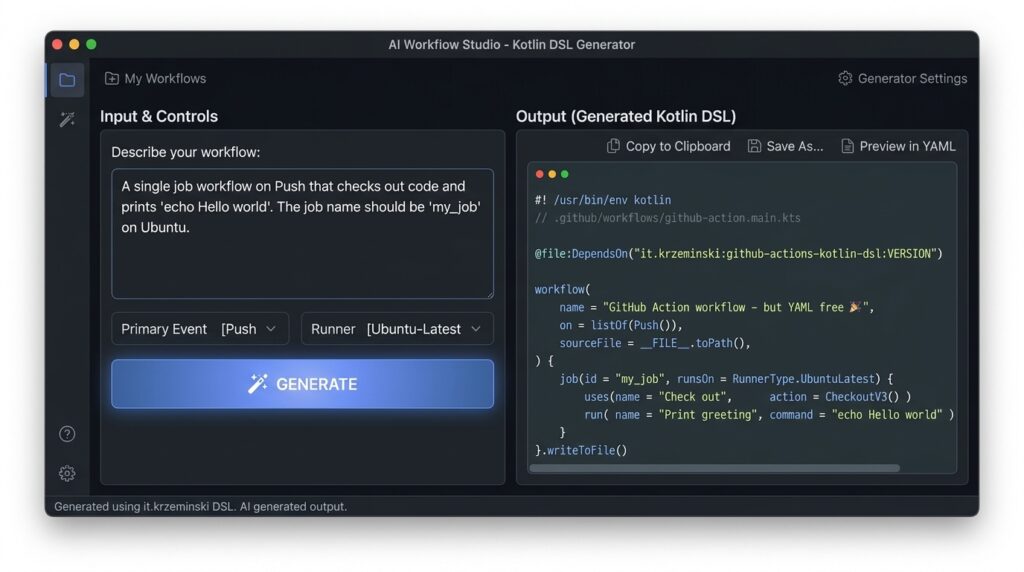
Table of Contents
Tool Overviews
GitHub Copilot offers real-time suggestions as developers type. According to Best AI Coding Tools for Developers, it handles configuration files with remarkable accuracy through its deep understanding of context.
ChatGPT and Claude are used when developers need to understand the logic behind configurations, not just produce syntax. Both tools can transform natural language into YAML code.
Tabnine stands out to teams prioritizing privacy because it runs entirely on local infrastructure. This matters when generating YAML for sensitive environments or proprietary systems.
Accuracy of AI Tools
GitHub Copilot achieves roughly 40% acceptance rates for suggested code, while tools like Cursor show higher accuracy.
Testing reveals that AI tools for YAML code generation trained on larger codebases produce more dependable YAML output, particularly for complex Kubernetes manifests or CI/CD pipelines.
What separates reliable tools from problematic ones? Tools that analyze surrounding files, existing configurations, and project structure prevent common errors, such as mismatched data types or invalid references, that pass syntax checks but fail at runtime.
Integration with Existing Workflows
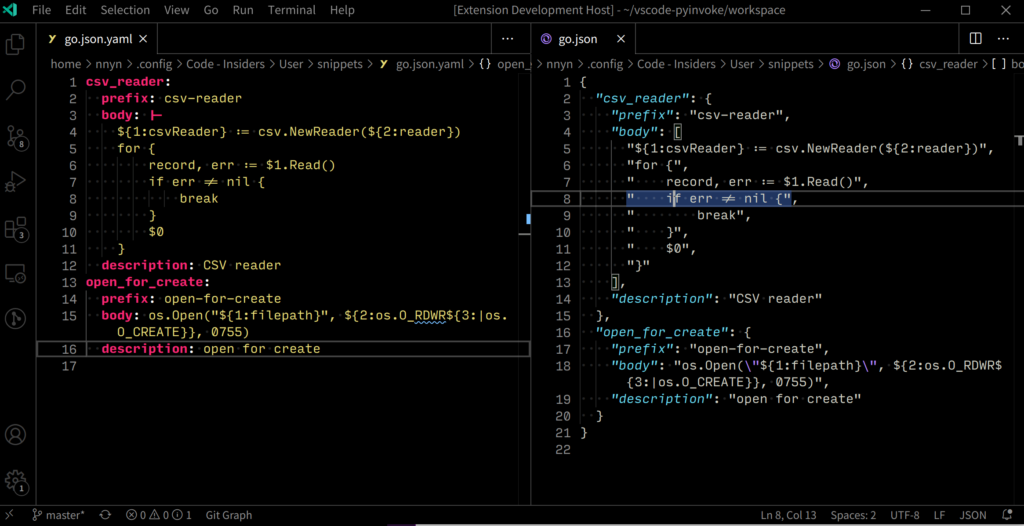
The best YAML generators integrate directly with version control systems like Git. Tools that support IDE extensions for Visual Studio Code, JetBrains, or Vim reduce context switching by allowing YAML generation within familiar editing environments.
Spec-driven development tools that expose REST or GraphQL endpoints enable teams to automate YAML generation in CI/CD pipelines. A deployment pipeline might trigger YAML generation automatically when developers push configuration changes.
Tools require extensive setup, custom plugins, authentication flows, or proprietary formats. The most practical solutions work through simple command-line interfaces or web APIs.
Considerations
Free-tier tools typically limit context window size. Premium options offer unlimited generations but require monthly subscriptions. Enterprise plans can exceed $500 monthly.
Example Scenarios and Use Cases
Home Assistant Configuration
A smart home enthusiast struggles with creating automations for light triggers and sensor integrations.
Use DeepSeek for YAML: “Turn on living room lights when motion is detected after sunset.”
The AI generates a properly indented YAML configuration block with correct entity IDs, trigger conditions, and actions.
CI/CD Pipeline Development
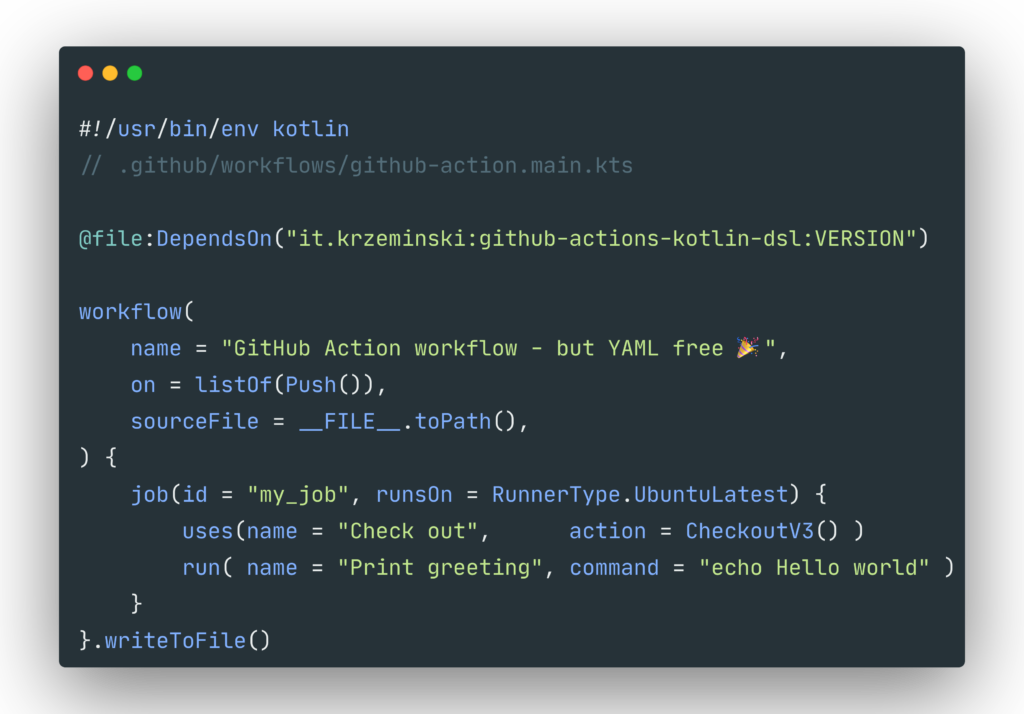
A DevOps engineer needs to configure a GitHub Actions workflow for a multi-stage deployment. Rather than copy-pasting from outdated examples, they prompt an AI tool to generate YAML that includes Docker builds, test stages, and conditional deployment logic.
Best AI Coding Tools for Developers highlights how context-aware AI tools for YAML code generation reduce configuration errors by 40% in typical deployment scenarios.
Tool Recommendations
Developers should prioritize tools like Cursor or Zed for YAML extensions that embed directly into coding workflows.
For cloud-native engineers, GitHub Copilot’s repository-wide understanding is ideal. However, these specialized coding tools require subscriptions.
Budget-conscious users should start with ChatGPT or DeepSeek for ad-hoc configuration needs, then upgrade to specialized tooling once YAML generation becomes a daily requirement.
Also read:
Leave a Reply